
Use a CRM when the job is managing relationships and revenue: leads, deals, forecasting. Use a help desk when the job is resolving support requests at volume: tickets, SLAs, queues. Once monthly ticket volume climbs into the hundreds or ownership of the customer relationship spans sales and support, you need both, connected through a shared record rather than a single tool trying to do everything.
TL;DR:
- If your support volume exceeds several hundred tickets per month, adopting a dedicated help desk system becomes essential to manage SLA timers and escalation rules effectively.
- Connecting your CRM and help desk with a shared contact record and bidirectional sync improves forecasting accuracy and prevents duplicate customer data across teams.
- For regulated industries like online gaming, choose integrated platforms with audit trails, manual review processes, and compliance features tailored for multilingual, omnichannel support.
- Most businesses need both systems when customer relationships span sales and support, with each tool focusing on long-term pipeline management or short-term ticket resolution.
- Evaluate integration quality early by testing real data sync, SLA setup, and automation controls during pilots before committing to a full implementation.
Table of Contents
- CRM vs help desk: what a CRM is built to do
- Help desk vs CRM: what ticketing software is built to do
- CRM or help desk: a side-by-side comparison
- Who needs a CRM, a help desk, or both
- How to choose: a practical evaluation checklist
- Why integration matters more than either tool alone
- The editorial take: stop treating this as an either-or decision
- A built-in option for regulated support teams
- Sources
- FAQ
CRM vs help desk: what a CRM is built to do
A CRM organises the business around three objects: the contact, the account, and the deal. Everything else, the workflows, the automation, the dashboards, exists to move a prospect through a defined path: lead capture, qualification, pipeline stage, close. That structure is why sales and marketing teams live inside a CRM all day, and why customer success teams use it to track renewals and expansion.
The feature set reflects that revenue focus. Most CRM platforms include:
- Contact and account management with activity history
- Visual pipeline stages with deal values and close dates
- Email sequences and follow-up automation
- Lead scoring to prioritise who gets contacted first
- Reporting and forecasting tied to revenue targets
CRMs are optimised for relationship management and revenue activities rather than operational ticket resolution, and the KPIs prove it: win rate, deal velocity, customer lifetime value, and churn. None of those metrics care how fast an agent replied to a support message.
Licensing follows the same logic. Most CRM vendors charge per user, per month, with tiers that unlock more automation, reporting depth, or API access as you move up. Budget for a jump in price once you need advanced forecasting or custom objects. Independent testing from PCMag’s CRM reviews shows genuine variance here. Some platforms handle contact import and pipeline reporting well for a five-person sales team; others are built for enterprise-scale forecasting and struggle to justify their cost for a small team that just wants to track deals.
Help desk vs CRM: what ticketing software is built to do
A help desk revolves around one object: the ticket. Every incoming request, whether it arrives by email, chat, SMS, or a web form, becomes a ticket that enters a queue, gets assigned, carries a priority level, and starts an SLA timer that counts down to a response or resolution deadline.
That queue-and-timer structure is the entire point. Help desks are built around tickets, SLA timers, routing and multi-channel intake specifically because support volume is unpredictable and needs a system that enforces accountability when a human might forget. Typical features include:
- Multi-channel intake that funnels email, chat, and social requests into one queue
- Macros and canned responses for repetitive issues
- A knowledge base agents and customers can both search
- Escalation rules that reroute a ticket when it breaches its SLA
- Post-resolution CSAT surveys
Support agents and IT teams are the primary users, and their KPIs are operational rather than financial: first response time, first contact resolution (FCR), average resolution time, and the size of the open backlog. Licensing is usually per agent seat, though some vendors charge per resolved ticket or message volume, which matters once your support team scales past a handful of people, since agent-seat costs climb fast under sustained ticket growth.
CRM or help desk: a side-by-side comparison
Put the two categories next to each other and the split becomes obvious.
| Dimension | CRM | Help desk |
|---|---|---|
| Primary user | Sales, marketing, customer success | Support agents, IT |
| Core object | Deal / account | Ticket |
| Time orientation | Long cycle: weeks to months | Short cycle: minutes to hours |
| Channel intake | Email, calls logged manually | Email, live chat, SMS, social, unified queue |
| SLA support | Rare, informal | Built-in, timer-driven |
| Automation focus | Nurture sequences, scoring | Routing, escalation, macros |
| Core KPI | Win rate, deal velocity, LTV | First response time, FCR, backlog size |
The trade-offs show up fast when a team forces one tool into the other’s job. A common failure pattern: a scaling operator handles rising support volume entirely inside the CRM, with agents logging support issues as notes on a contact record instead of tickets. Using a CRM-only approach for high-volume support leads to agents improvising a pseudo-ticketing system, and it breaks down because a CRM note has no SLA timer, no queue position, and no escalation path. Nothing forces the note to get resolved, so requests quietly go stale.
The reverse mistake happens too, just less often: a support-heavy business tries to run its entire sales pipeline through help desk tags and custom fields, and loses forecasting accuracy because the tool was never built to model a multi-stage deal.
One useful gut check: if your team is arguing about whose job it is to “own” a customer issue, that’s usually a sign the ownership boundary between sales and support was never mapped, not a sign either tool is broken.

Who needs a CRM, a help desk, or both
The signals are more concrete than most guides admit.
- CRM-first signs. You’re pre-revenue or early-stage, your pipeline lives in spreadsheets, and you have no forecasting visibility because deals fall through the cracks between conversations.
- Help desk-first signs. You already have paying customers, requests are getting missed or answered days late, and nobody can say how many open issues exist right now.
- Both-needed signs. Ticket volume is climbing month over month, renewal risk is rising because support issues aren’t visible to account managers, and support interactions are starting to surface upsell opportunities nobody captures.
On volume specifically, category guidance suggests teams processing several hundred tickets a month typically benefit from a dedicated help desk, and that a few thousand tickets monthly almost always requires one, though the exact threshold shifts with SLA complexity and team size. Qualitative signs matter just as much as the raw count: duplicate customer records across tools, support and sales teams working from different versions of the truth, or a customer having to repeat their issue because nobody can see the full history.
Pro Tip: Don’t wait for a formal audit to spot the both-needed moment. If your account managers are hearing about support escalations from the customer instead of from your own system, that gap is already costing you renewals.
How to choose: a practical evaluation checklist
Once you know you need one tool, both, or an upgrade from what you have, the evaluation gets specific fast. Focus on integration mechanics before feature lists, because a beautiful help desk that can’t sync with your CRM will cost you more in manual work than it saves.
Evaluate against these criteria:
- A shared contact key (account ID, domain, or contract ID) that both systems can sync against
- Bidirectional sync, not a one-way export that leaves one system stale
- Native SLA and routing configuration, not a workaround built from custom fields
- Reporting that can blend pipeline data with ticket data without manual exports
- Open API access with documented rate limits
- Clear data ownership: which system is the source of truth for a given field
During a demo, ask for specifics rather than accepting a feature checklist at face value:
- Request a live look at sample account records synced between the two systems
- Ask what the API rate limit is and what happens when you exceed it
- Ask to see the actual SLA configuration screen, not a marketing slide about SLAs
- Ask how audit logs capture changes made by automation versus by a human
Red flags that should stop a deal: one-way sync that only pushes data in a single direction, no SLA configuration beyond a basic due date field, and audit logs that don’t distinguish automated actions from manual ones. Deciding between an all-in-one bundle and a best-of-breed stack often comes down to IT capacity: bundles cut integration cost for smaller teams, while best-of-breed setups deliver deeper SLA routing and AI-driven ticket analysis that scale-ups eventually need.
Run a pilot before committing to a contract. A 2 to 4 week scope with a small subset of accounts is usually enough to see whether duplicate records drop and mean first response time improves.
Why integration matters more than either tool alone
The real value shows up at the connection point, not inside either tool individually. A synced CRM and help desk give sales and support teams the same context: a support agent sees the account’s deal stage before replying, and an account manager sees open tickets before a renewal call. That shared visibility improves forecasting accuracy and lets responses feel personalised rather than generic.
Integration benefits worth prioritising:
- Unified customer context across every channel
- Faster escalation because the right owner is visible immediately
- Cross-team visibility that eliminates duplicate outreach
- Forecasting that accounts for support risk, not just pipeline stage
For regulated operators, like online casinos and other iGaming businesses, this gets more demanding. Every player interaction needs an audit trail, and every automated response needs a compliance check before it reaches a real customer. A human-in-the-loop approach to AI, where AI-drafted replies are held for staff approval before sending, keeps response speed high without sacrificing the compliance record regulators expect.
The value of AI support in a regulated market isn’t just speed. It’s the audit trail proving every decision was reviewed, and the multilingual, omnichannel consistency that keeps VIP players and everyday players getting the same standard of response.
A practical checklist for regulated sectors: audit logging on every automated and manual action, clear escalation workflows when a case needs human judgement, multilingual coverage for international player bases, and automated suppression of contact for players flagged under responsible gambling rules.
The editorial take: stop treating this as an either-or decision
Most teams don’t fail because they picked the wrong tool. They fail because they never mapped who owns what, then bought software to paper over that gap. The fix isn’t a bigger platform, it’s a short listening exercise: spend one to two weeks counting tickets and CRM updates with sales, support, and ops in the room, then let that data decide the purchase. Run a small pilot before signing a contract.
— pitbot
A built-in option for regulated support teams
Everything above assumes you’re stitching a CRM and a help desk together yourself, syncing records, mapping fields, hoping the audit trail holds up under a regulator’s questions. For online casino and iGaming operators, that stitching work carries extra weight because every player conversation needs a compliance record, not just a resolved ticket.
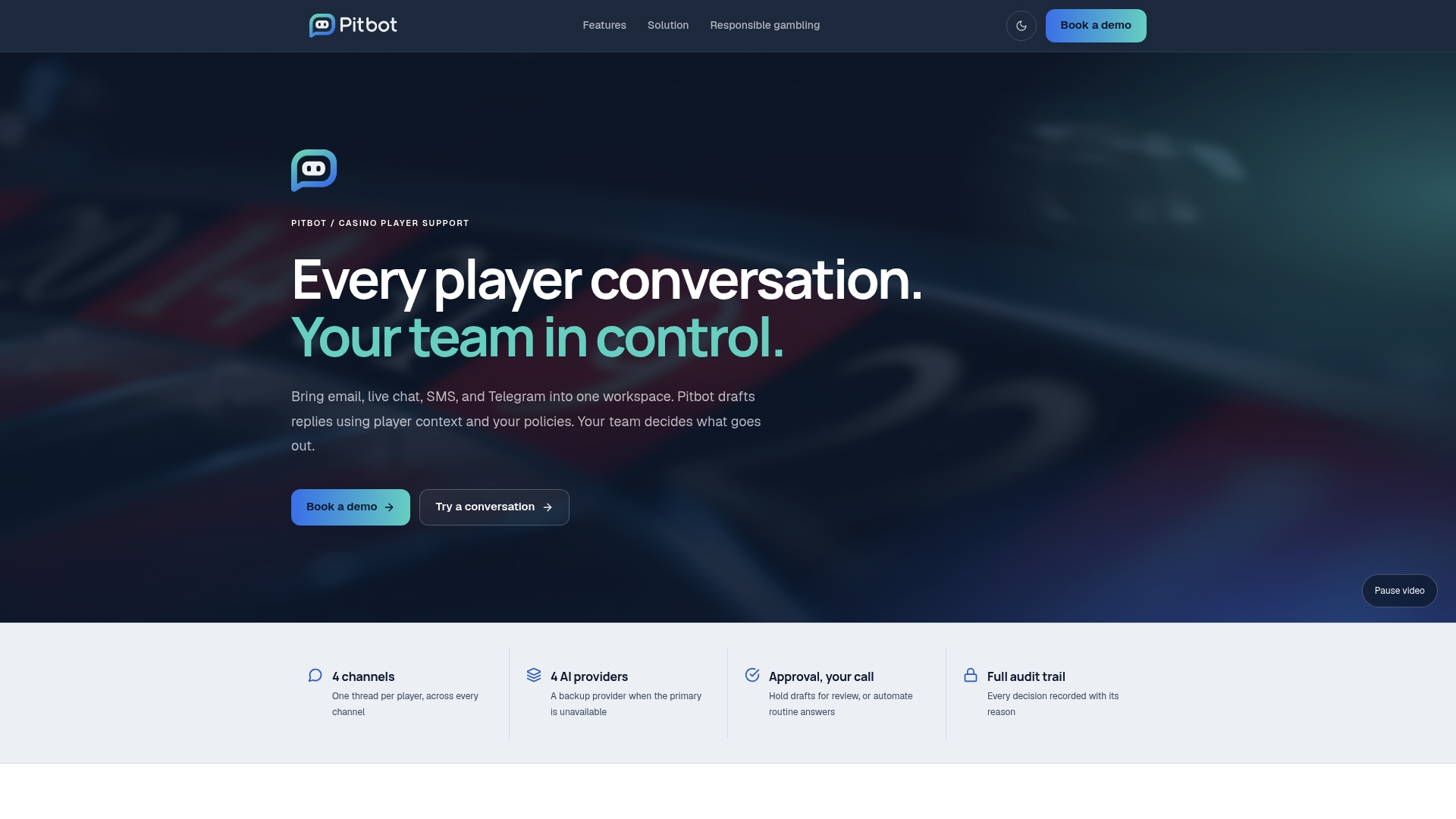
This platform combines multiple AI providers with a staff review queue in a single workflow: with auto send off, AI-drafted replies on email, live chat and Telegram wait for staff approval before they reach a player. That review step keeps response times fast while providing an audit trail that supports regulatory compliance, along with thread assignment and responsible gambling suppression built into the same dashboard rather than bolted on afterwards. It is designed for regulated iGaming operators, rather than general customer support teams. If your ticket volume and compliance obligations are both climbing, explore the platform’s features or book a demo to see how it handles player support in practice.
Sources
- CRM vs Helpdesk Software: Overlap, Gaps, and How to Choose
- Helpdesk vs CRM: When to Use Which
- The best CRM software (PCMag)
FAQ
Will AI replace CRM software?
AI is being built into CRM platforms to automate data entry, scoring, and follow-ups, but the underlying job, tracking relationships and pipeline, still needs a structured system behind it. AI changes how CRMs are used, not whether one is needed.
Is CRM difficult to learn?
Basic CRM use (logging contacts, updating deal stages) is straightforward for most teams within days. The learning curve steepens with advanced automation, custom reporting, and forecasting configuration, which is why testing a vendor’s actual interface before buying matters more than reading a feature list.
Is CRM the same as customer support software?
No. A CRM manages relationships and revenue through contacts and deals, while customer support software, typically a help desk, manages ticket resolution through queues and SLA timers. Many businesses need both, connected through a shared customer record.
What are the four types of CRM?
CRMs are commonly grouped into operational (day-to-day sales and service processes), analytical (data and reporting for decision-making), collaborative (shared customer data across departments), and strategic (long-term customer relationship planning). Most commercial platforms blend elements of all four rather than fitting one category cleanly.
How do I know if I need a help desk instead of just a CRM?
If support requests are getting missed, response times are slipping, or nobody can say how many tickets are currently open, that’s a sign your CRM’s notes and reminders aren’t enforcing the accountability a dedicated ticketing system provides.